

IntermediateMATLAB R2026a
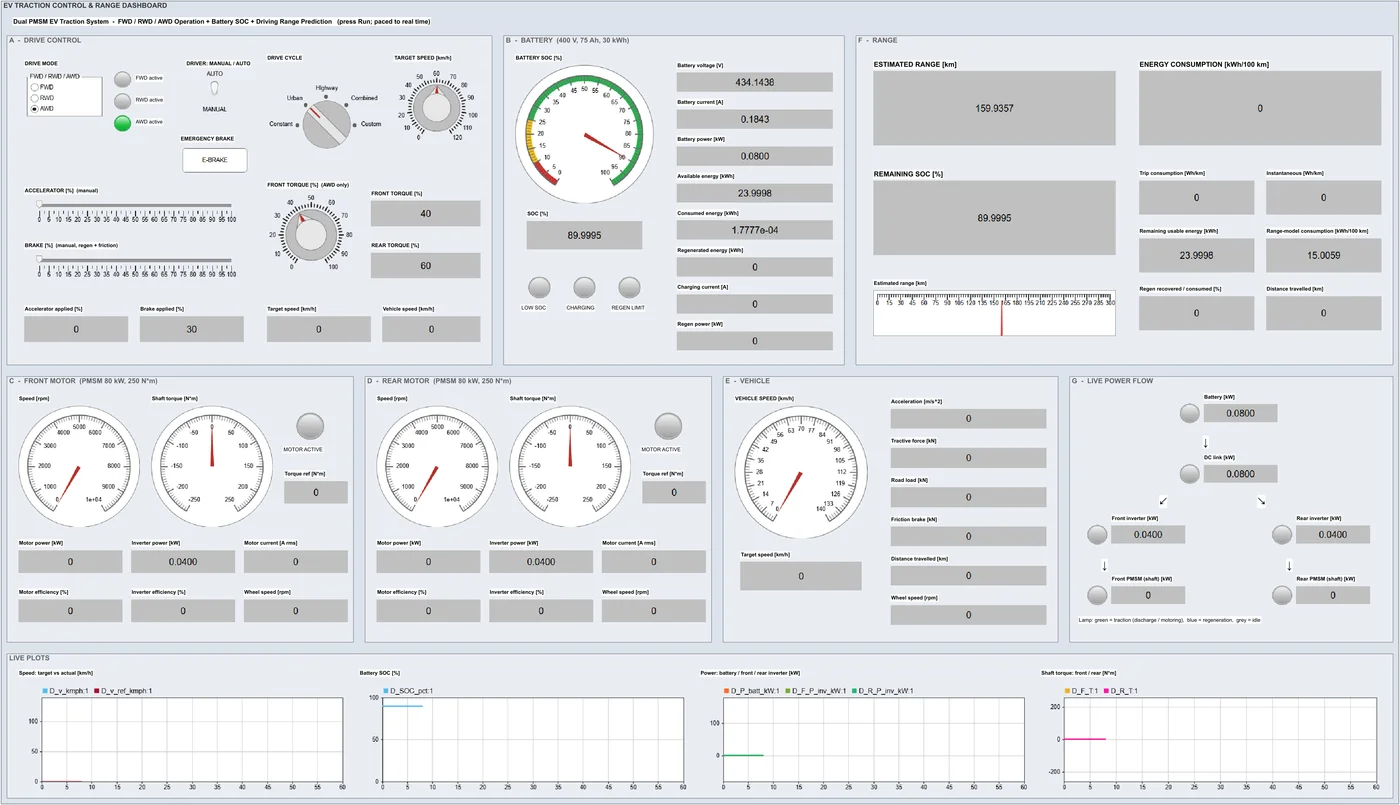
Dual-motor EV: FWD, RWD and AWD with live range
A two-motor EV you drive from a dashboard, with front, rear or all-wheel drive and a live range estimate.
Aim
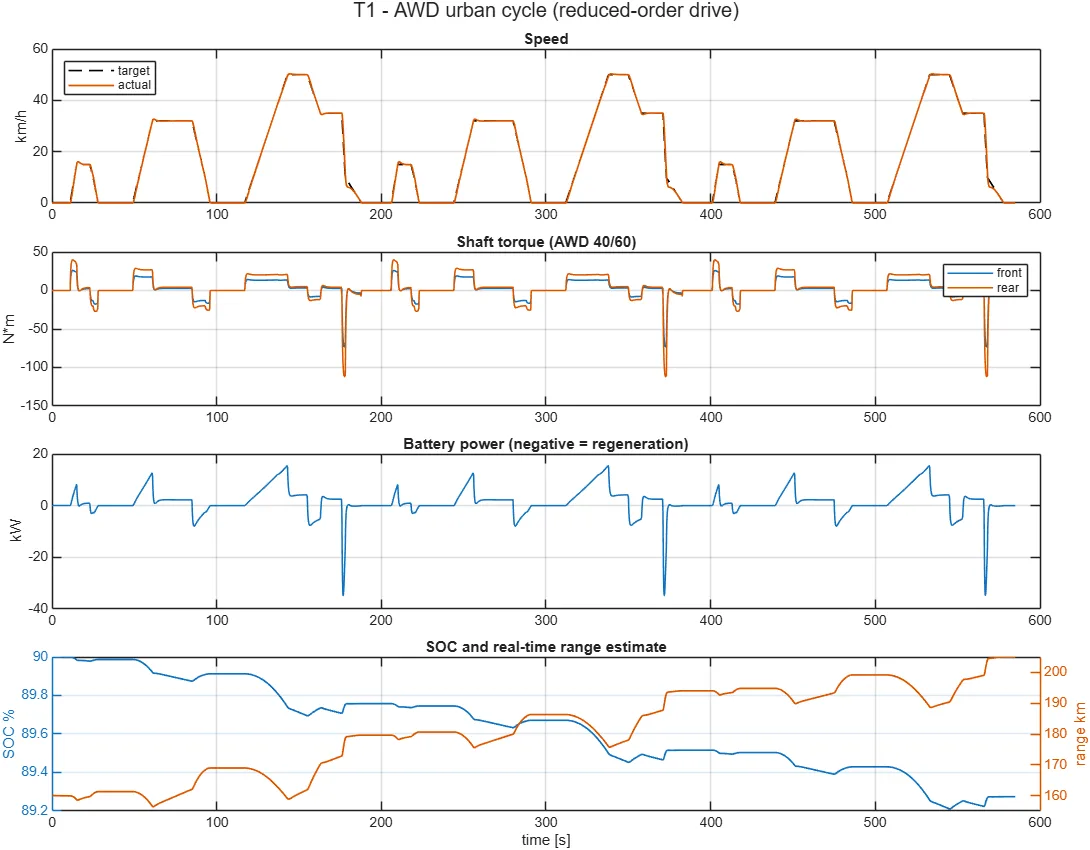
Drive a front- and rear-motor EV through drive cycles or with pedals, split torque between the axles, and watch battery charge, regeneration and the range estimate update.
What you’ll learn
- FWD, RWD and AWD torque distribution
- Regenerative braking blended with friction brakes
- Battery SOC and real-time range prediction
- Reduced-order and detailed (FOC) motor models
Try it here
An interactive illustration of the idea behind this experiment.
How to run it in MATLAB Online
- Unzip the package we send you.
- Go to matlab.mathworks.com and sign in (campus licence or MathWorks trial).
- In MATLAB Drive, click Upload and choose the unzipped folder.
- In MATLAB Online, open the folder and double-click the model (.slx) or run the start script named in README.
- Press Run. Results appear in the scopes, dashboard or figures.
Learn this with an expert
Join a live course and build models like this step by step.
Call / WhatsApp +91 80155 06307 · director@auravolt.in